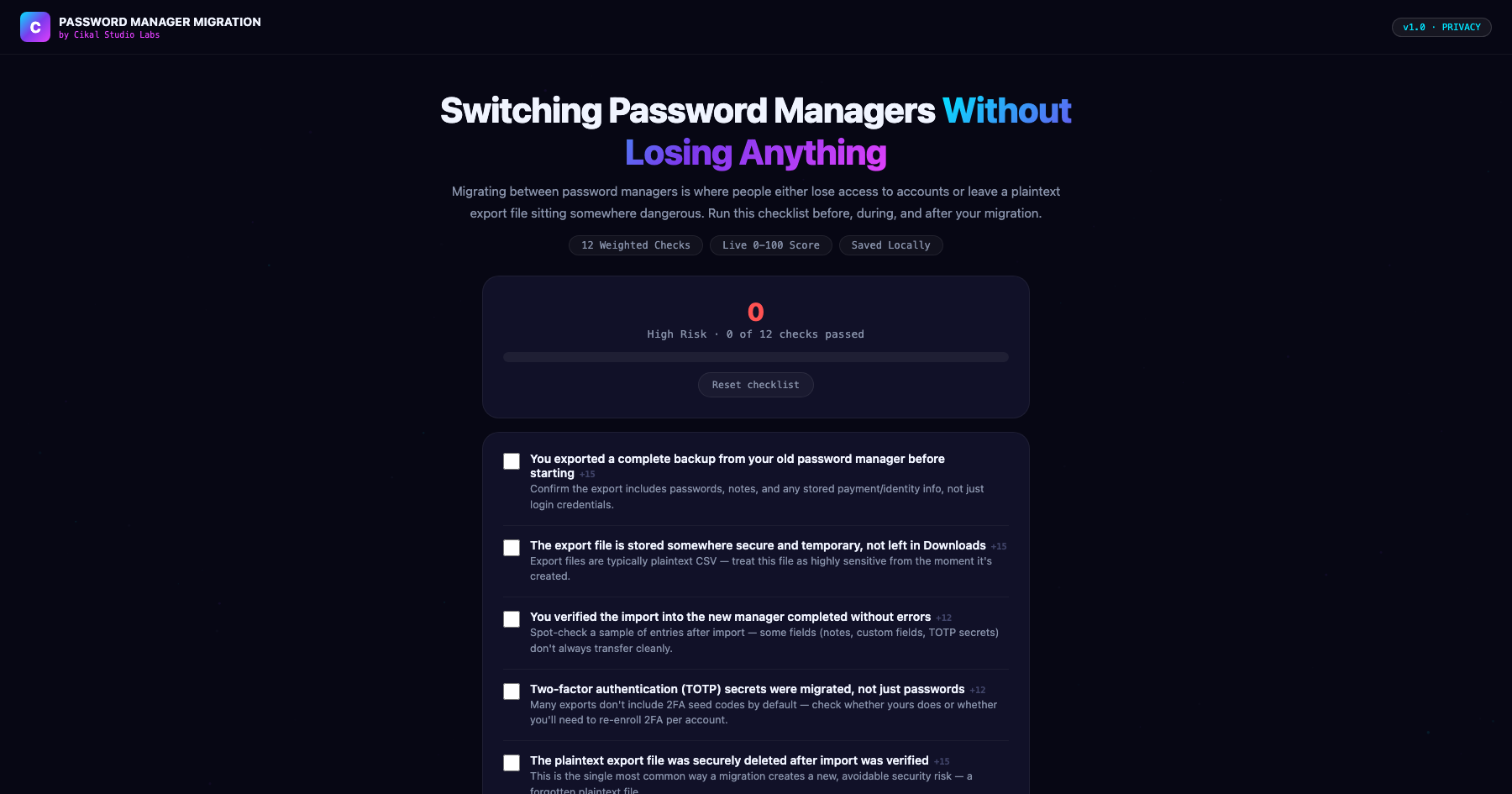
Password Manager Migration Checklist
The plaintext export file is the real risk.
Switching password managers is a rare enough event that most people do it without a clear process, and the two most common failure modes are both serious: a plaintext CSV export file left sitting in a Downloads folder indefinitely, and TOTP (two-factor authentication) secrets that silently don't transfer, leaving you needing to re-enroll 2FA account by account after the fact. This checklist walks through the full migration — export, secure storage of that export, import verification, 2FA migration, and secure deletion of the export file once everything's confirmed working.
- →Weights secure handling and deletion of the plaintext export file as heavily as the migration itself
- →Specifically flags TOTP/2FA secrets, which many exports silently exclude from migration
- →Covers shared vaults and emergency access — two settings that don't transfer automatically
- →Ends with a full device-sync check so the migration isn't 'done' on just one computer
- →Watermarked by Cikal Studio Labs · Works on any device, no install required
Customer Reviews
No reviews yet — be the first to try Password Manager Migration Checklist and share what you think.
More Privacy Tools
Browser Fingerprint Checker
Reveal your full browser fingerprint — what trackers see, your uniqueness score, and how to reduce exposure.
DNS Leak Test Tool
Run a comprehensive DNS leak test to see if your real DNS servers are being exposed even through a VPN.
IP & Location Privacy Auditor
Full audit of what your IP address exposes: location, ISP, proxy detection, blacklist status, and risk score.