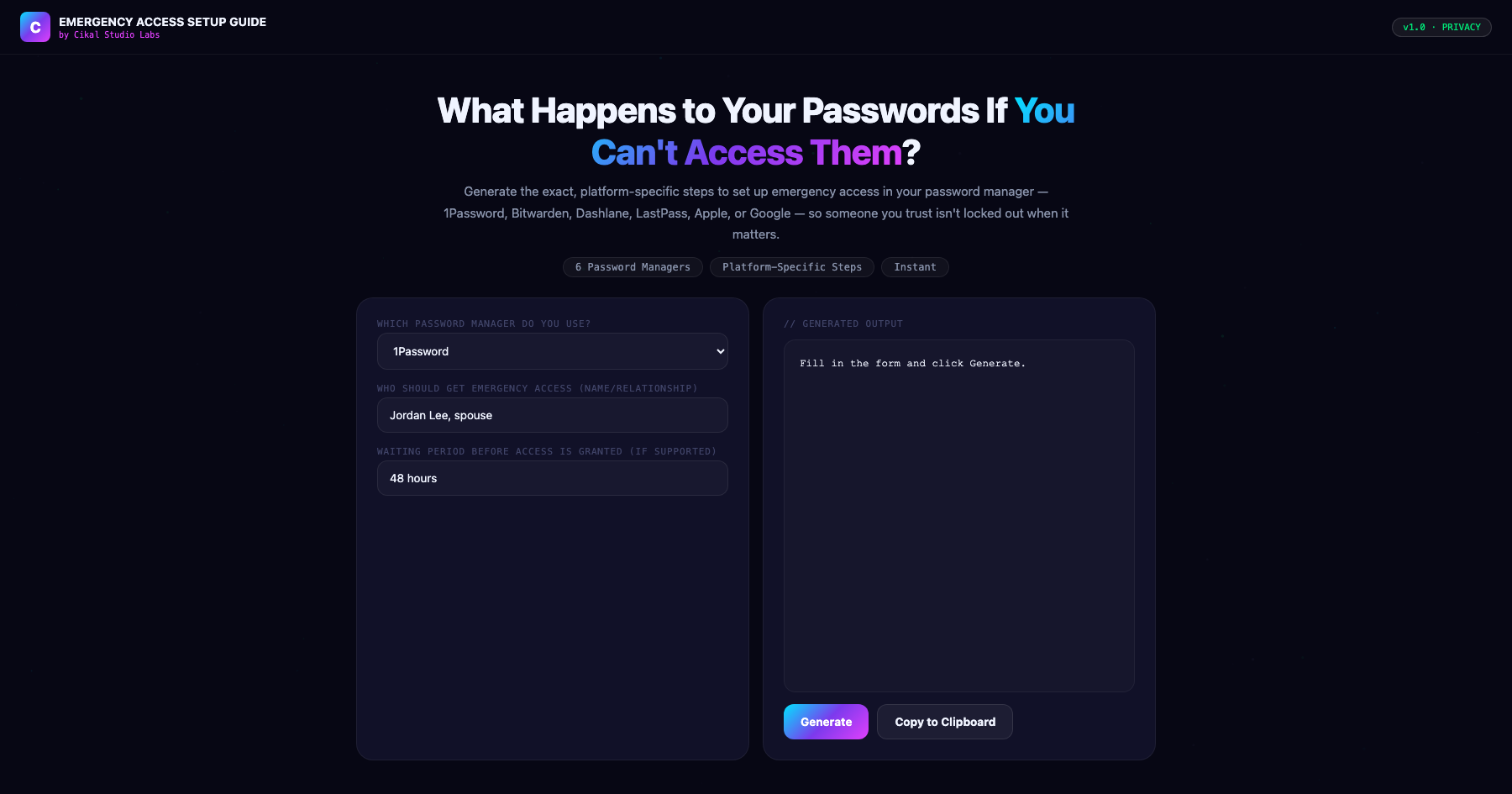
Password Manager Emergency Access Setup Guide
Every password manager handles this differently.
Every major password manager handles emergency and legacy access completely differently — Bitwarden includes a built-in Emergency Access feature on every plan including free, 1Password requires a Families or Business plan for the equivalent, Dashlane has no built-in feature at all, and Apple's Legacy Contact is specifically designed for after-death access rather than general emergency use. This tool generates the exact, correct setup steps for your specific password manager, so a trusted contact can actually gain access when genuinely needed, rather than discovering the platform's specific limitation only when it's too late.
- →Covers the real, correct emergency access process for 6 major password managers, each genuinely different
- →Flags platform-specific limitations — no built-in feature, plan requirements, after-death-only design
- →Includes guidance on setting an appropriate waiting period where the platform supports one
- →Generates a document with your specific designated contact's name, ready to save or print
- →Watermarked by Cikal Studio Labs · Works on any device, no install required
Customer Reviews
No reviews yet — be the first to try Password Manager Emergency Access Setup Guide and share what you think.
More Privacy Tools
Browser Fingerprint Checker
Reveal your full browser fingerprint — what trackers see, your uniqueness score, and how to reduce exposure.
DNS Leak Test Tool
Run a comprehensive DNS leak test to see if your real DNS servers are being exposed even through a VPN.
IP & Location Privacy Auditor
Full audit of what your IP address exposes: location, ISP, proxy detection, blacklist status, and risk score.