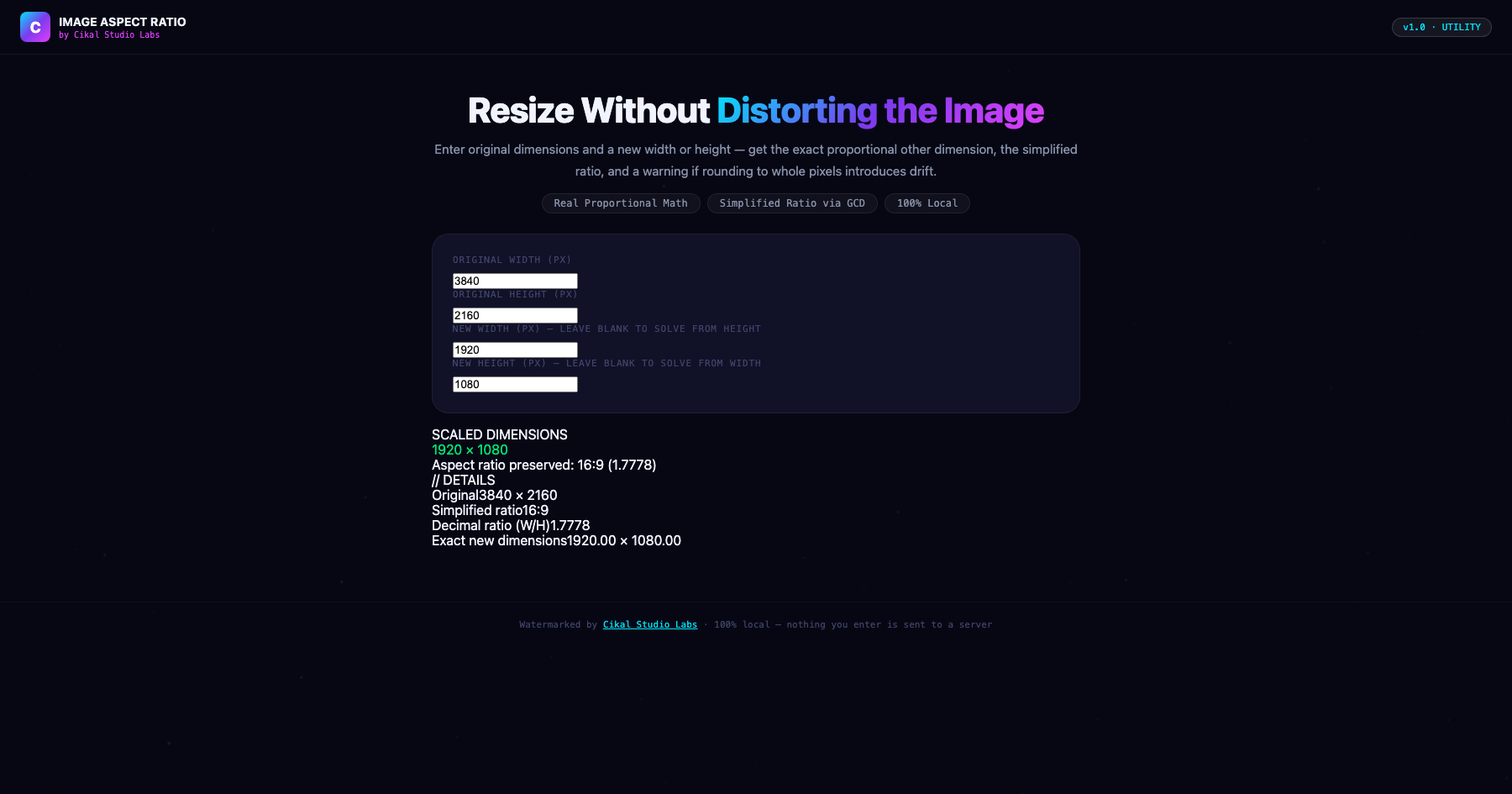
Image Aspect Ratio Calculator
Resizing by hand without matching the ratio is why images look stretched.
Resizing an image to a specific width or height while manually guessing at the other dimension is a common cause of visibly stretched or squashed images — the correct proportional dimension requires an exact cross-multiplication calculation, not a rounded guess. This calculator computes the exact new dimension from your original aspect ratio, simplifies the ratio itself via a genuine GCD (greatest common divisor) calculation (3840×2160 correctly simplifies to 16:9, not left as an unreduced fraction), and flags when the exact computed result isn't a whole pixel — informing you of the small but real rounding drift a pixel-perfect export needs to account for.
- →Computes the exact proportional dimension via real cross-multiplication, not an approximation
- →Simplifies the aspect ratio using a genuine GCD algorithm (3840×2160 → 16:9 automatically)
- →Works bidirectionally — enter a new width to solve height, or a new height to solve width
- →Flags when the exact result isn't a whole pixel, useful for pixel-perfect export work
- →Watermarked by Cikal Studio Labs · Works on any device, no install required
Customer Reviews
No reviews yet — be the first to try Image Aspect Ratio Calculator and share what you think.
More Utility
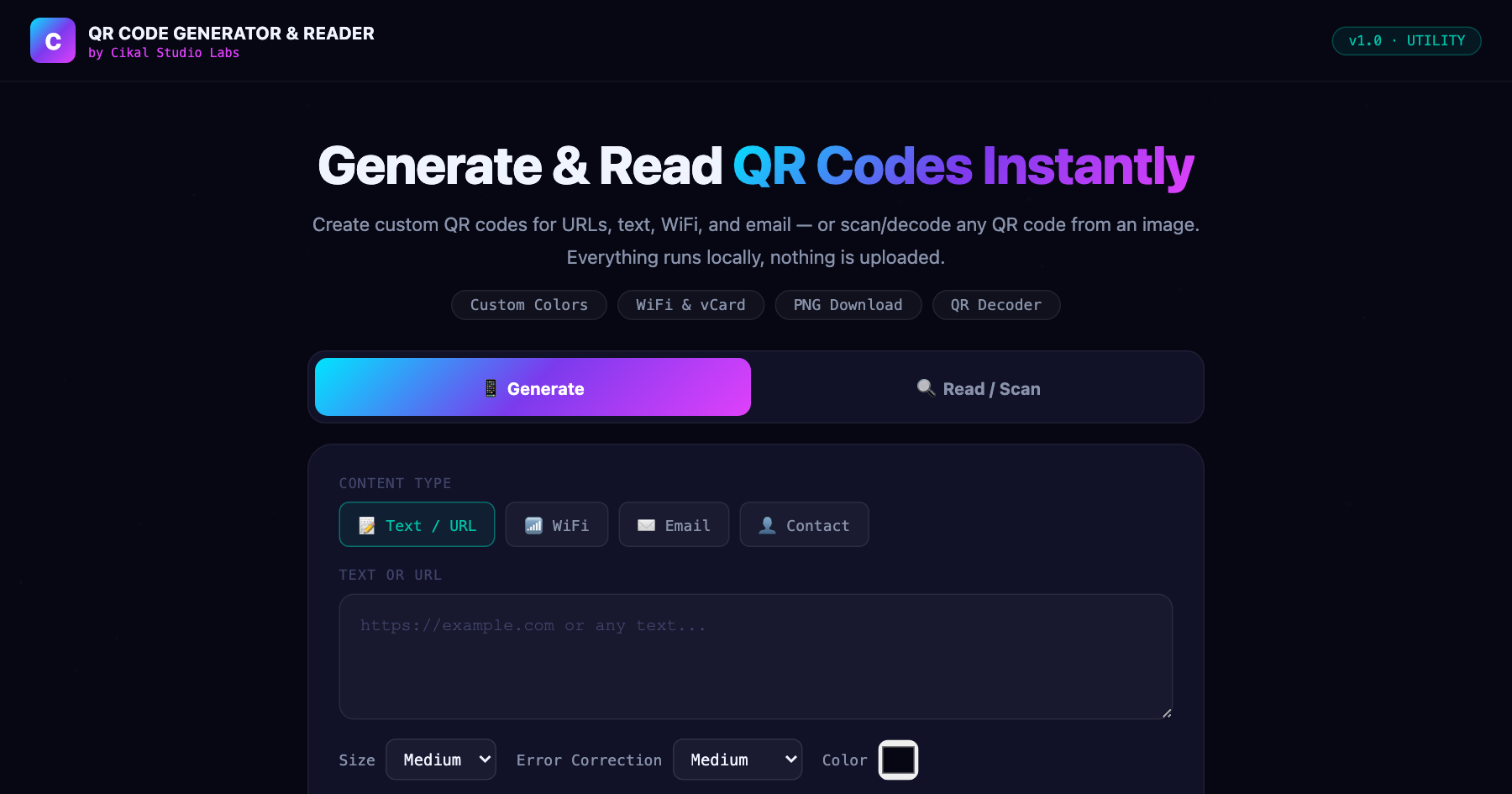
QR Code Generator & Reader
Generate QR codes for links, WiFi, email, or contact cards, and decode any QR code from an uploaded image — all in one tool.

Image Compressor & Resizer
Compress and resize any photo right in your browser — adjust quality, scale dimensions, and export as JPEG, PNG, or WebP.
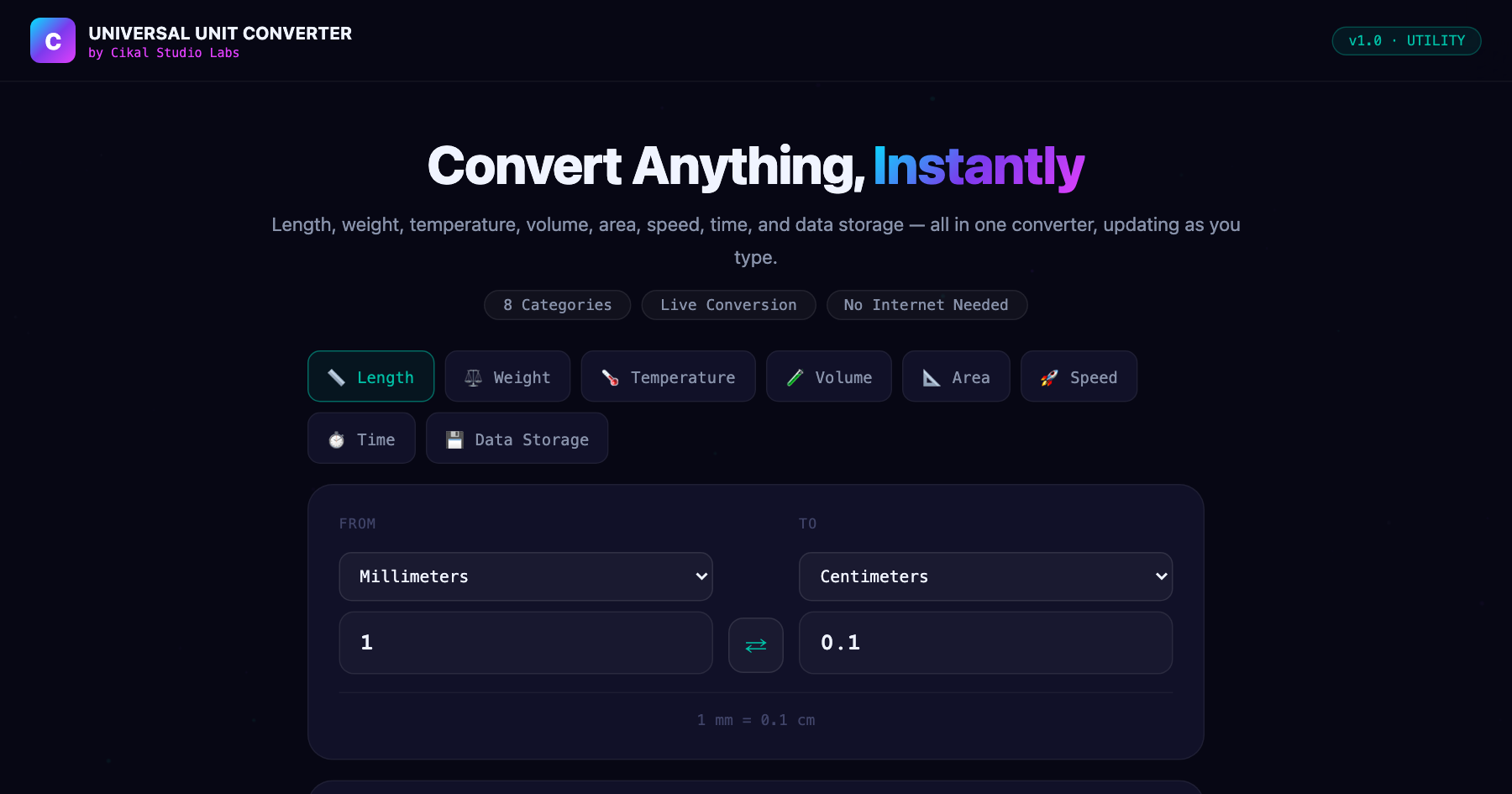
Universal Unit Converter
Length, weight, temperature, volume, area, speed, time, and data storage — all in one converter that updates as you type.