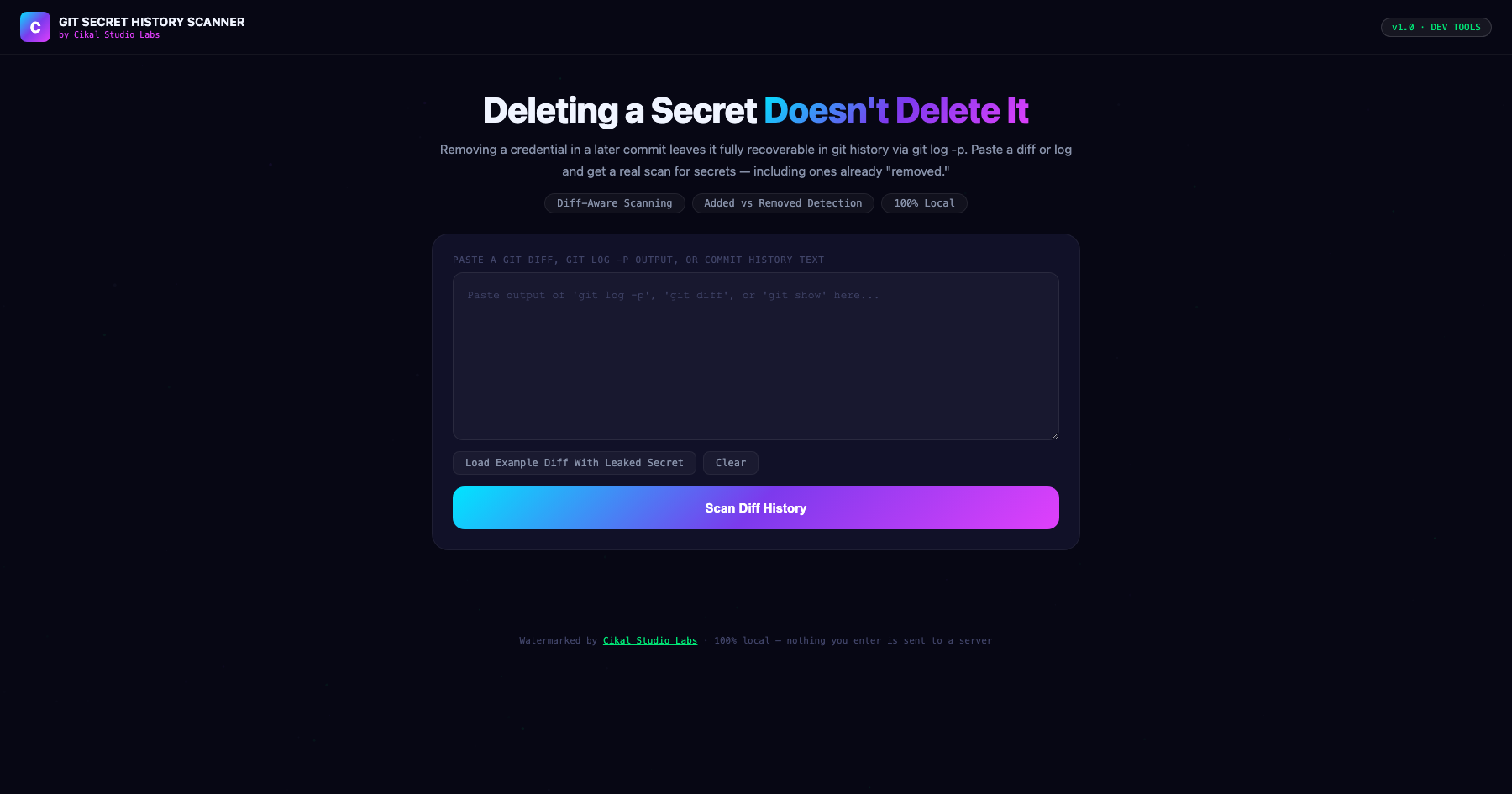
Git Secret History Scanner
A removal commit doesn't erase history.
A common, dangerous misconception: removing a credential in a follow-up commit deletes it from the repository. It doesn't — the original commit still exists in git history, fully recoverable by anyone with repository access via a simple git log -p, regardless of how many commits have happened since. This tool parses pasted diff or log output line by line, distinguishing added lines from removed lines, and flags secret-like patterns in both — specifically highlighting the dangerous case where a match was later 'removed' but remains permanently present in history unless it's been purged with a tool like git-filter-repo or BFG.
- →Genuinely parses diff/log text line by line and distinguishes added (+) from removed (-) content
- →Specifically flags secrets that were later 'removed' but remain fully recoverable in git history
- →Detects connection strings with embedded passwords, AWS keys, generic API key assignments, and private key blocks
- →Recommends git-filter-repo or BFG Repo-Cleaner for actually purging a leaked secret from history
- →Watermarked by Cikal Studio Labs · Works on any device, no install required
Customer Reviews
No reviews yet — be the first to try Git Secret History Scanner and share what you think.
More Dev Tools
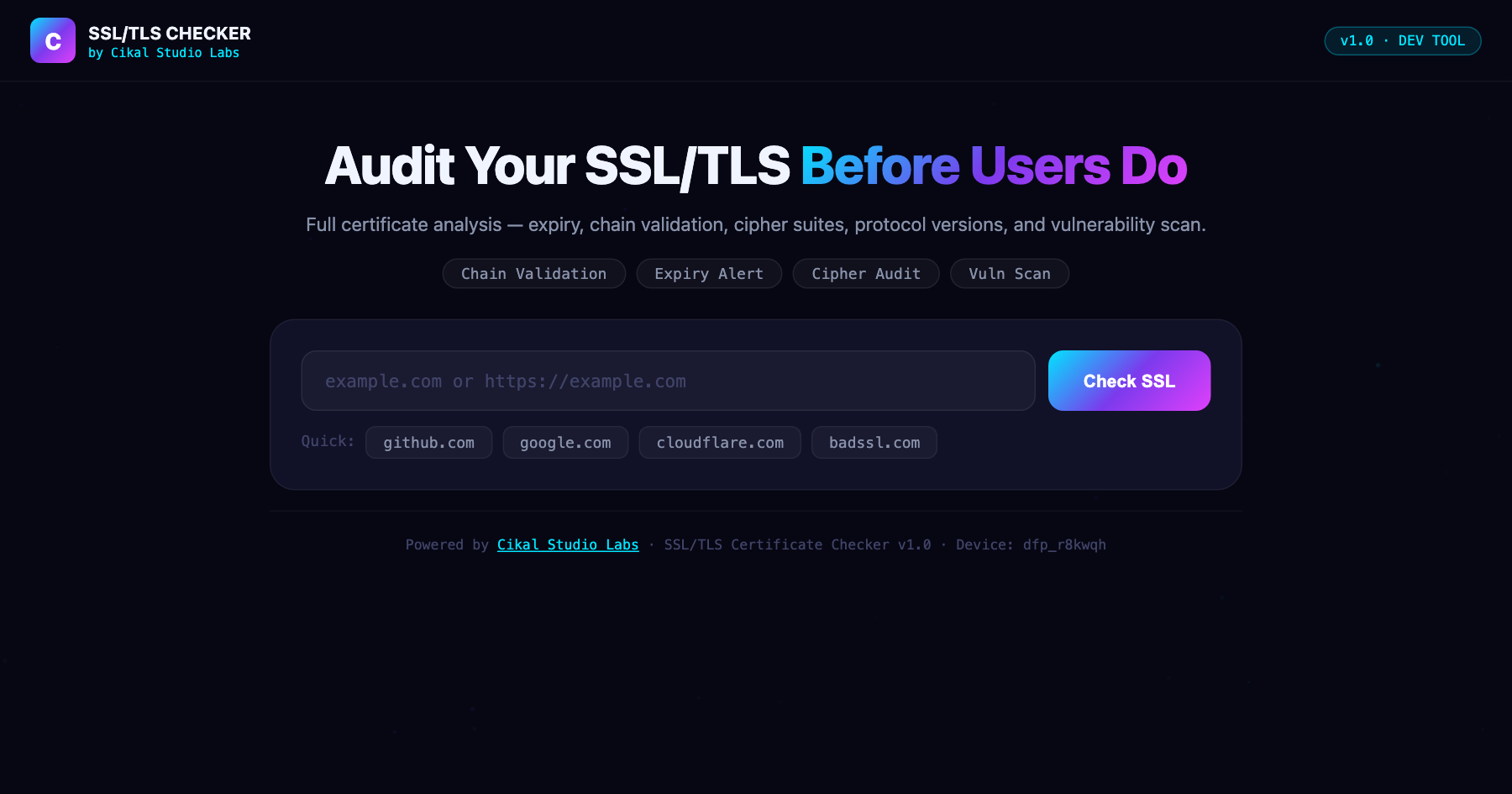
SSL/TLS Certificate Checker
Full SSL/TLS certificate analysis: expiry, chain validation, cipher suites, protocol versions, and vulnerability scan.
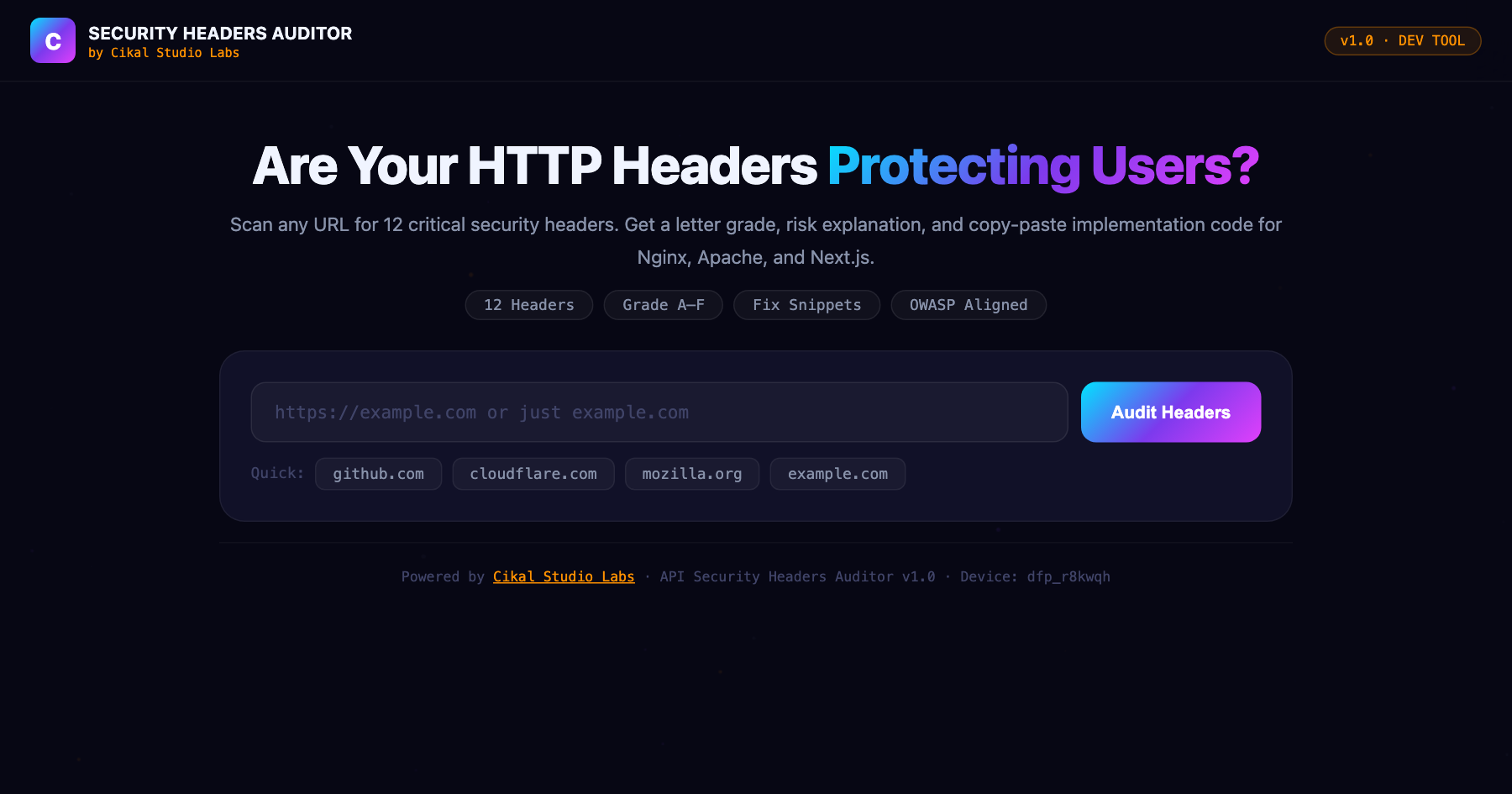
API Security Headers Auditor
Scan any URL for missing or misconfigured security headers: CSP, HSTS, X-Frame-Options, and 10 more.
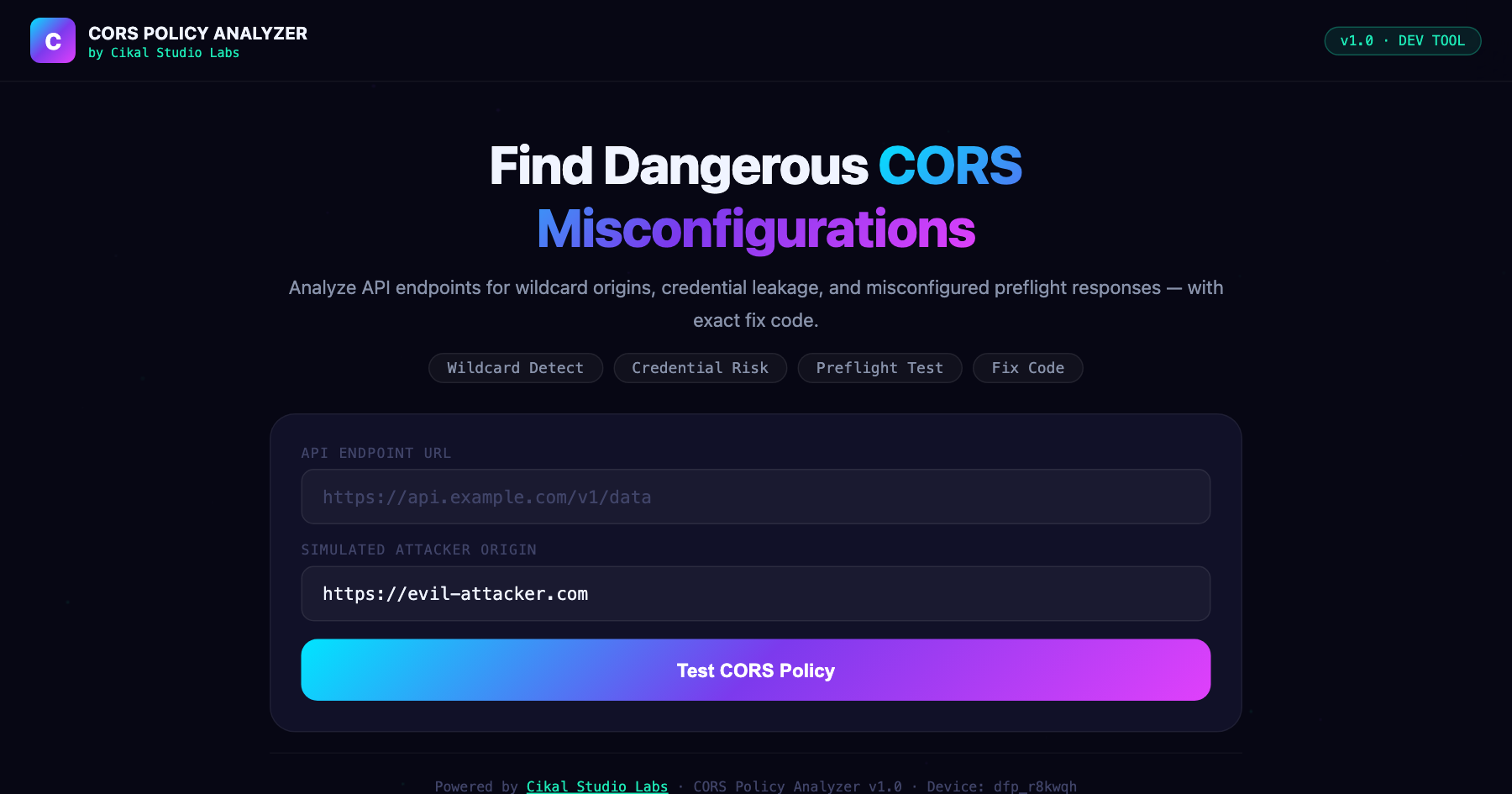
CORS Policy Analyzer
Test any API endpoint's CORS configuration for misconfigurations that could expose your users to cross-origin attacks.